
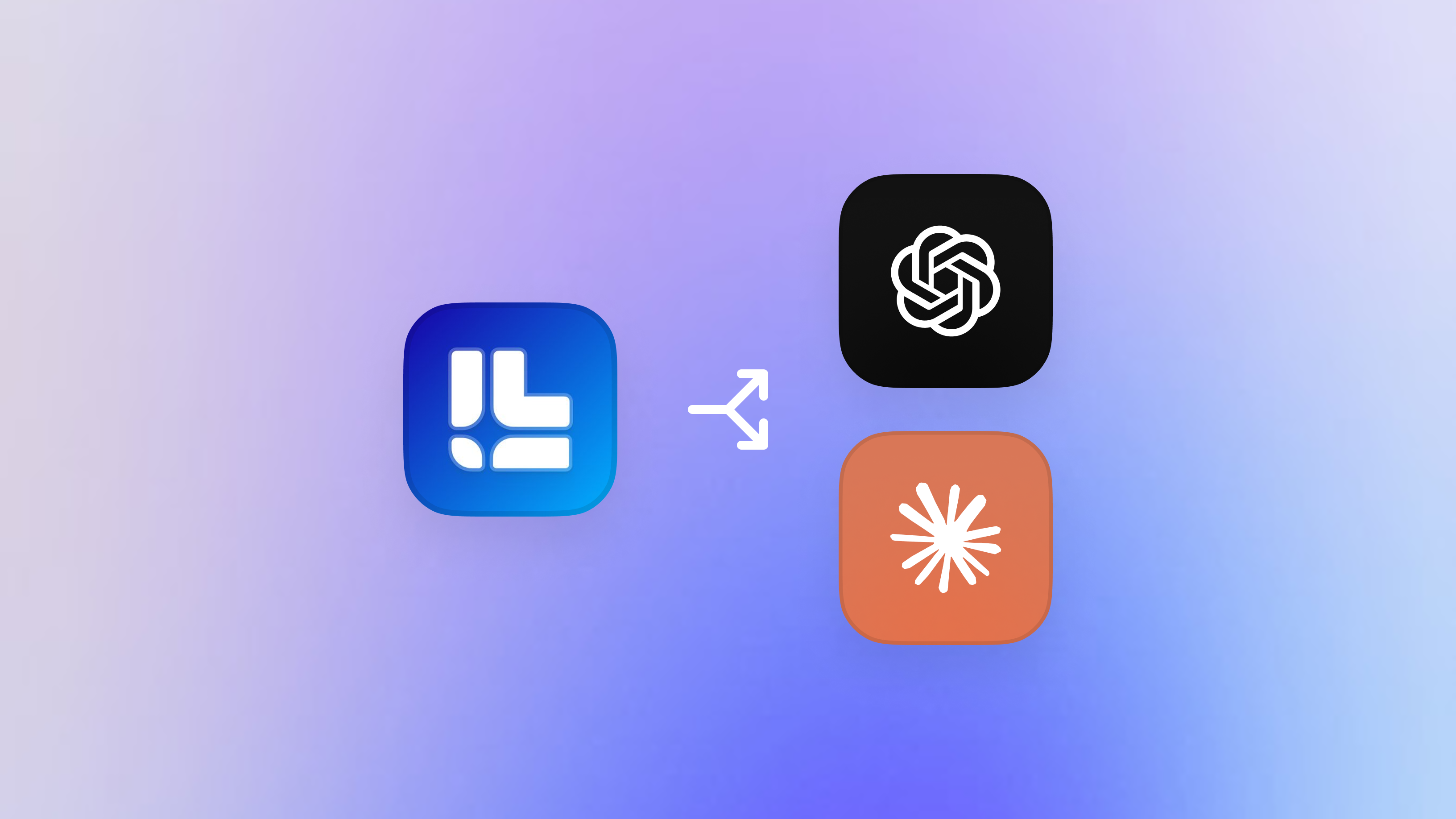
Two major AI platforms launched app ecosystems within weeks of each other.
ChatGPT opened its App Directory in December 2025. Over 800 million users can now discover and connect apps that run inside their conversations. Claude followed in January 2026 with MCP Apps, bringing interactive tools to Anthropic's enterprise-focused platform.
For the first time, you can build software that lives inside AI chat. Not chatbots. Not plugins. Real interactive applications that respond to natural language, display visual interfaces, and take actions on behalf of users.
The question for product teams isn't whether to build. It's how.
This guide breaks down the three paths to building AI apps, what each requires, and how to decide which is right for your team.
What Building an AI App Actually Means
AI apps aren't traditional mobile or web apps. They run inside chat interfaces. Users don't download anything. They connect to an app, and it appears inside the conversation when relevant.
When you build an AI app, you're building three things:
- Chat logic. How the app responds to what users say. What triggers it, what context it uses, what it communicates back.
- Interface components. The visual elements users interact with. Buttons, forms, charts, maps, media players. These render inside the chat, not in a separate window.
- Backend connections. How the app authenticates users, pulls data, and takes actions in external systems. Your database, your API, your users' accounts on other services.
This is different from building a chatbot. Chatbots are text in, text out. AI apps are text in, interactive UI out. The user can see, click, drag, edit, and confirm. The app does things, not just says things.
The Three Paths
You have three options for building AI apps today:
- Path 1: Build for ChatGPT using the Apps SDK
- Path 2: Build for Claude using MCP Apps
- Path 3: Build cross-platform using a dedicated AI app platform
Each path has tradeoffs. The right choice depends on your audience, your resources, and how you think about the future of this space.
Path 1: Building for ChatGPT
ChatGPT has the largest user base of any AI product. If distribution is your priority, this is the obvious starting point.
What it involves:
You build using the Apps SDK, which extends the Model Context Protocol with OpenAI-specific tooling. You define your interface components, chat logic, and backend authentication in code. You set up an MCP server to handle the protocol layer. You test in Developer Mode inside ChatGPT. When ready, you submit through the OpenAI Developer Platform and wait for review.
What you get:
Access to over 800 million ChatGPT users. A formal App Directory where users can browse and discover apps. Featured placement for apps that meet OpenAI's quality standards. Monetization options on the horizon, including the Agentic Commerce Protocol for native commerce.
What it requires:
An engineering team comfortable learning new protocols. Time to understand the SDK and build the MCP infrastructure. Patience for review timelines that aren't fully predictable. Ongoing maintenance as the SDK evolves and OpenAI updates requirements.
Best for:
Teams prioritizing reach and distribution. Consumer-facing products where ChatGPT's massive user base is the primary draw. Companies with engineering resources to invest deeply in one platform.
For a deeper look at the ChatGPT ecosystem, see our guide: What Are ChatGPT Apps?
Path 2: Building for Claude
Claude's user base is smaller than ChatGPT's, but Anthropic has positioned it squarely at enterprises. If your product targets business users, Claude's ecosystem may be a better fit.
What it involves:
You build an MCP server that implements the MCP Apps extension. You define the tools your app provides, the resources it can access, and the interface components it renders. You connect through Claude's existing connectors system. There's no formal submission or review process yet.
What you get:
Access to Claude's enterprise-focused user base. Building on MCP, an open standard designed for portability across AI platforms. Less competition in a younger ecosystem. Alignment with Anthropic's B2B focus and their enterprise launch partners like Asana, Salesforce, and Slack.
What it requires:
Comfort working with early-stage tooling. Documentation is sparse compared to ChatGPT's SDK. Engineering resources to build the MCP server from scratch. Tolerance for ambiguity. There's no App Directory yet, and the discovery path for users is still taking shape.
Best for:
Teams targeting enterprise and productivity use cases. Builders who value open standards and want portability baked in from the start. Companies betting on Claude's momentum in the enterprise market.
For a deeper look at the Claude ecosystem, see our guide: What Are Claude Apps?
Path 3: Building Cross-Platform
Here's the thing worth understanding: ChatGPT and Claude both build on MCP. The interface layer differs, but the foundation is shared. Building an app that works across both platforms is possible, and increasingly practical.
The strategic case:
Why bet on one platform when you can ship to both? ChatGPT gives you consumer reach. Claude gives you enterprise positioning. The user bases are different. The use cases overlap. Choosing one means leaving opportunity on the table.
The challenge if you do it yourself:
Each platform has quirks and specific requirements. Testing is manual and duplicated. There's no shared tooling for design, deployment, or measurement. You end up maintaining two codebases that do essentially the same thing. Every update means doing the work twice.
What a platform approach solves:
Design your interface once using visual tools instead of coding everything from scratch. Deploy to ChatGPT, Claude, and future MCP-compatible platforms from a single pipeline. Get unified analytics that show how users interact across all platforms. Iterate based on real data without rebuilding for each ecosystem.
This is what we built Layo to do.
Layo is a platform for building AI apps that work across ChatGPT, Claude, and whatever comes next. You design interfaces visually in the Studio. You connect your backend and define your chat logic. You deploy to multiple platforms without maintaining separate codebases. You measure performance and iterate based on actual usage.
Best for:
Teams that want both reach and enterprise positioning. Companies without dedicated MCP expertise who don't want to build protocol infrastructure from scratch. Builders who want to ship in weeks instead of months. Anyone thinking long-term about where AI apps are going and who doesn't want to bet everything on a single platform.
How to Decide
There's no universal right answer. But there are honest questions that clarify the choice.
How important is time to market?
Building directly on either SDK takes months. You're learning a new protocol, building infrastructure, testing, submitting for review. If speed matters, a platform approach compresses the timeline significantly.
Where is your audience?
If you're building for consumers, ChatGPT's user base is hard to ignore. If you're building for enterprises, Claude's positioning and partner ecosystem may resonate more. If you're targeting both, or you're not sure yet, building cross-platform keeps your options open.
What engineering resources do you have?
Do you have a team that can learn MCP, build the server infrastructure, and maintain the integration as platforms evolve? Building direct might work. Would you rather focus on the product experience and let someone else handle the protocol layer? A platform makes more sense.
How do you think about portability?
Betting everything on one platform is a risk. What if the other ecosystem takes off? What if a third platform emerges? MCP is an open standard. Building portably from day one protects your investment regardless of how the market shakes out.
How fast do you need to iterate?
Direct SDK development means code changes for every update. Design tweaks, copy changes, flow adjustments. All require engineering time. Visual tools let you iterate without bottlenecks. Product teams can move faster when they're not waiting on deploys.
What Most Teams Get Wrong
A few patterns worth avoiding:
Building for one platform without considering the other. The ecosystems are weeks old. Neither has won. Locking in now limits your upside.
Underestimating development time. The SDKs are new. Documentation is evolving. Teams consistently underestimate how long it takes to ship something production-ready.
Treating AI apps like chatbots. Text-only experiences miss the point. The power of AI apps is the interactive UI. If users can't see and manipulate something, you're not using the medium.
Skipping analytics. Launching without measurement means flying blind. You won't know what's working, where users drop off, or how to improve.
Waiting for the ecosystem to mature. The instinct to wait until things are "more stable" is understandable. It's also how you miss the window. Early movers in app ecosystems get featured placement, user habits, and compounding advantages. Waiting means competing in a crowded market later.
The teams winning right now ship fast, learn fast, and build portably from the start.
Getting Started
Regardless of which path you choose, the starting point is the same.
Define your use case. What action does the user take? What value do they get? AI apps work best when the interaction naturally starts in conversation. If your product requires a complex standalone UI, forcing it into chat might not make sense.
Map the conversation. How does someone invoke your app? What do they say? What context does the app need? Walk through the dialogue before you build anything.
Sketch the interface. What does the user see? What can they interact with? The best AI apps balance conversation and visual UI. Too much text feels like a chatbot. Too much UI feels like a web app crammed into chat.
Decide on your path. SDK direct for one platform? Both platforms separately? Or a cross-platform approach?
If you want to move fast and stay portable, Layo is built for exactly this. Design your first interface in the Studio. Connect your backend. Deploy to ChatGPT and Claude. Measure what happens and iterate.
The Window Is Open
The AI app ecosystem is weeks old. ChatGPT's directory is filling up but not crowded. Claude's ecosystem is just getting started. The tools are early, the competition is thin, and the users are still forming habits.
Building now means learning while the stakes are low. It means getting featured placement before the directories are packed. It means understanding what works in conversational interfaces before everyone else figures it out.
The teams that move first will have advantages that compound. The ones that wait will be playing catch-up in a noisier, more competitive market.
The question isn't whether AI apps matter. It's whether you're building.